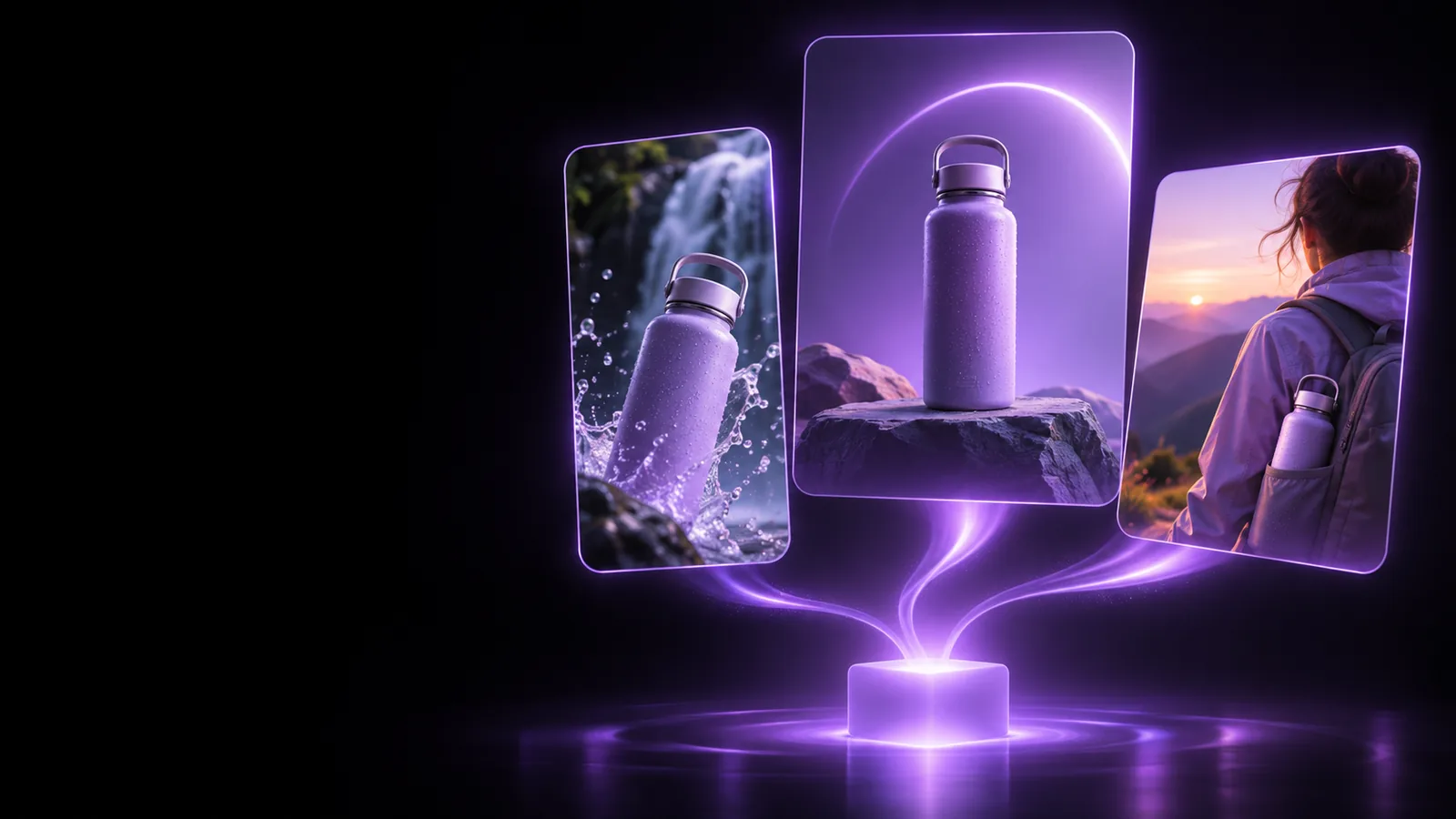
Video creation route

Build with the pippit ai video generator

The pippit ai video generator helps turn a product idea, visual reference, or short brief into a video starting point. Use it when motion and pacing matter more than a single finished image.

Review every scene before publishing
Pippit creative workspace showing visual content concepts

This entry point vs the general one

Choose the video route when your goal is a sequence with movement, timing, and transitions. These common starting points show where it fits best.

Product marketers

Turn a product page brief into a short launch concept with a clear opening, feature sequence, and closing action.

You get a video-shaped draft to review instead of planning every scene from a blank timeline.

pippit ai image generator

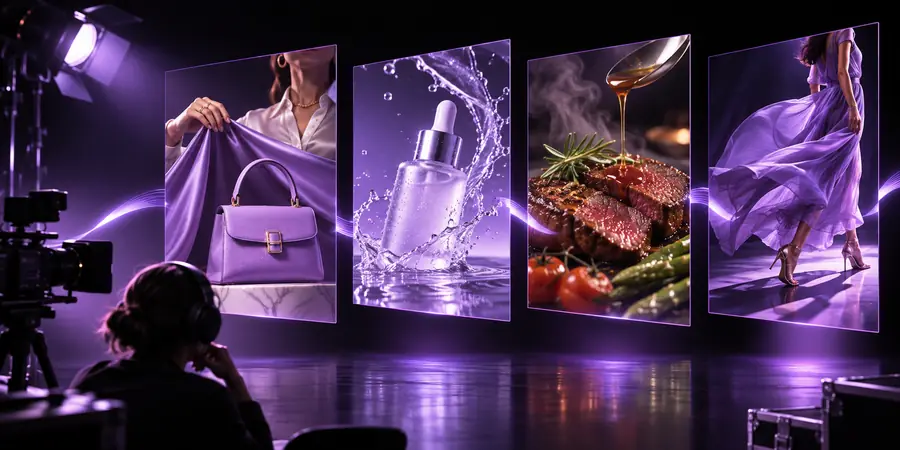
Social content teams

Adapt one campaign idea into a vertical concept designed for quick viewing and mobile-first placement.

The story is easier to evaluate as a sequence of shots, captions, and visual beats.

pippit ai image generator

Small business owners

Describe a new offer, seasonal collection, or service and use the result as a first promotional draft.

You can test the message and visual direction before spending time on a polished edit.

pippit ai image generator

Creative generalists

Start from a written direction when you know the mood and subject but have not decided on every frame.

The route gives you a practical visual reference for refining the campaign.

pippit ai image generator

How to start

A useful first prompt names the subject, audience, format, and intended feeling. Then treat the first result as a direction to inspect and improve.

  1. 1

    Write the brief

    State what the video is about, who should notice it, where it will appear, and what action the viewer should understand.

  2. 2

    Add visual direction

    Mention the product or subject, setting, tone, pacing, aspect ratio, and any must-show details such as packaging or color.

  3. 3

    Review the sequence

    Check each scene for accurate product details, readable text, sensible transitions, and a clear beginning, middle, and end.

Related routes

The video route is one part of a broader content workflow. These nearby pages cover adjacent inputs, outputs, and first steps.

Limits and edges

A generated video concept still needs human review. Knowing what this route cannot guarantee helps you plan the handoff to editing and publishing.

It cannot verify every product detail

Small labels, dimensions, logos, and packaging text may be altered or hard to read in generated scenes.

Workaround

Use the output as a concept, then replace sensitive visuals or add approved product assets during review.

It cannot decide your final message

A visually coherent sequence may still miss the audience, offer, or call to action that matters to your campaign.

Workaround

Write the audience and intended action into the brief, then edit the wording against the campaign goal.

It cannot replace quality control

Pacing, transitions, captions, framing, and brand consistency can require adjustments after generation.

Workaround

Review the video scene by scene and keep a simple checklist for accuracy, readability, and brand fit.

It cannot make every idea equally clear

Vague prompts can produce generic scenes, especially when the subject, setting, or visual hierarchy is not specified.

Workaround

Describe one primary subject and a small number of concrete visual cues before adding stylistic preferences.

A visual before-and-after

The useful difference is not only a moving output; it is the shift from an unstructured idea to a sequence that can be inspected and revised.

Initial video concept reference for a product campaign Starting brief
Structured story video concept with a clearer sequence Video direction
Use the pair as a review prompt: what changed, and what still needs approval?

Turn a brief into a video direction

Bring a product, campaign, or story idea to the video route and start with a concrete brief. The first result is most useful when you review it as a draft, keep what supports the message, and revise what does not.

Create a video brief
  • Describe the subject and audience
  • Specify format, mood, and pacing
  • Review every scene before publishing

Its own FAQ

It is a starting point for turning a written brief or visual idea into a video concept with scenes, pacing, and promotional direction. It is suited to product, social, and campaign content that needs movement rather than a single still image.

Name the subject, audience, setting, format, mood, and intended action. If important, also specify the product details, caption style, pacing, and visual elements that must remain consistent.

It can provide a useful generated direction, but the result should be reviewed before publishing. Product accuracy, readable text, brand consistency, transitions, and the final call to action may still need human changes.

Yes. The video route is organized around a sequence, timing, and motion, while the image route is better suited to a single visual composition. Choose based on whether your next deliverable is a moving story or a still asset.

Start creating
Start creating